Need TV mounting in Chicago? EVO Home Repair helps homeowners, renters, landlords, condo owners, apartment owners, property managers, offices, and small businesses with wall-mounted TV installation, large TV mounting, fireplace TV mounting, soundbar mounting, smart TV setup, bracket installation, and practical media wall setup.
A clean TV mounting job is about more than putting a screen on the wall. The TV needs to be positioned at the right height, centered correctly, mounted to the right structure, aligned with the room layout, and installed with a bracket that fits the TV size, wall type, viewing angle, fireplace, outlet location, and soundbar setup.
For TV wall mount installation, photos are important. Send a wide photo of the wall, a photo of the TV box or model label, a photo of the mount bracket if you already purchased one, and a photo showing the outlet location, fireplace, cabinet, mantel, or furniture below the TV area.
Need a TV mounted?
Text photos of the wall, TV size, mount bracket, outlet location, fireplace or furniture below the TV, and the room layout. We can review the visible scope before scheduling.
TV Mounting Services in Chicago
EVO Home Repair provides TV mounting services in Chicago for homes, apartments, condos, bedrooms, living rooms, finished basements, offices, commercial spaces, rental units, and property maintenance projects. We help mount flat-screen TVs on interior walls, above mantels, above fireplaces, in media rooms, and in business spaces where a clean wall-mounted setup is needed.
Our TV mounting service can include bracket installation, TV placement, screen leveling, large TV mounting, soundbar mounting, basic smart TV setup, device connection, and practical cord management using the existing room setup. The goal is a clean, level, usable TV installation that fits the wall and the way the room is actually used.
TV Mounting Work We Handle
TV mounting looks simple until the wall type, TV size, bracket style, outlet location, furniture height, mantel height, viewing angle, studs, soundbar, and cable layout all have to work together. EVO Home Repair handles practical TV wall mount installation for residential and commercial spaces across Chicago.
- TV mounting on drywall
- Large TV mounting
- Flat-screen TV wall mount installation
- Smart TV mounting and setup
- Fixed TV mount installation
- Tilt TV mount installation
- Full-motion TV mount installation
- TV mounting above fireplace mantels
- TV mounting above media cabinets
- Soundbar mounting
- Basic cord management with existing outlet locations
- Apartment TV mounting
- Condo TV mounting
- Rental property TV mounting
- Office TV mounting
- Commercial TV mounting for small businesses
- TV setup after mounting
- Wall-mounted media area setup
Large TV Wall Mount Installation
Large TV mounting requires correct layout and secure bracket placement. Before mounting, the visible wall area, TV size, mount type, viewing height, outlet location, stud position, furniture below the TV, and walking space around the room should be considered. A large TV that is even slightly off-center or mounted too high can look wrong after installation.
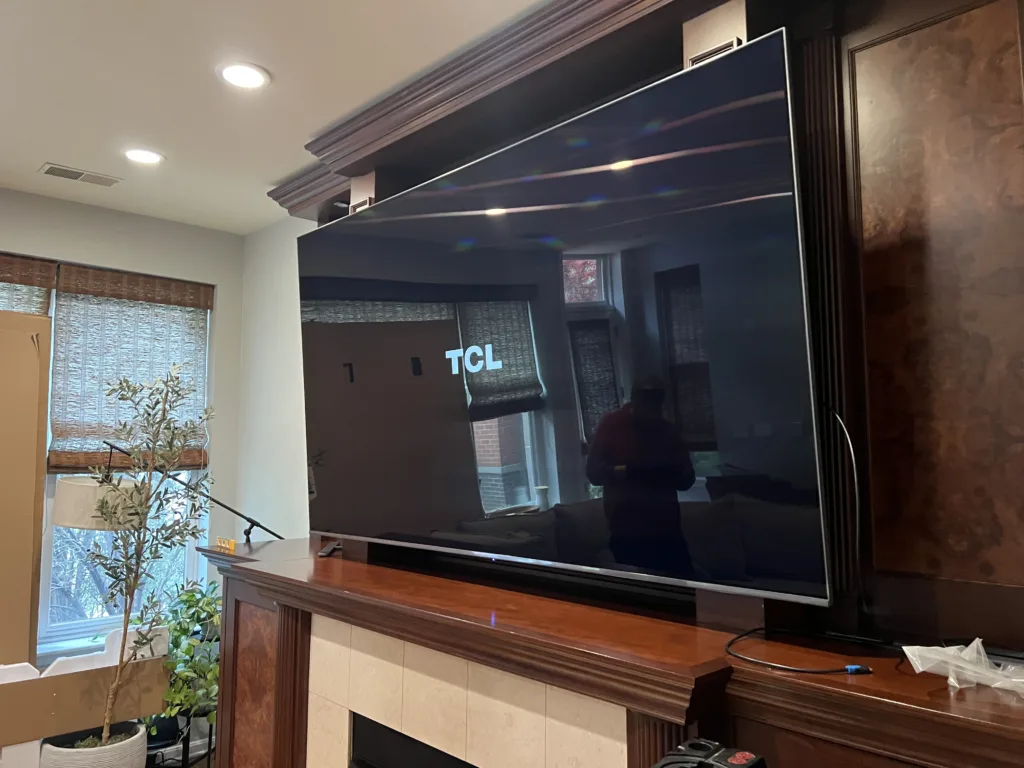
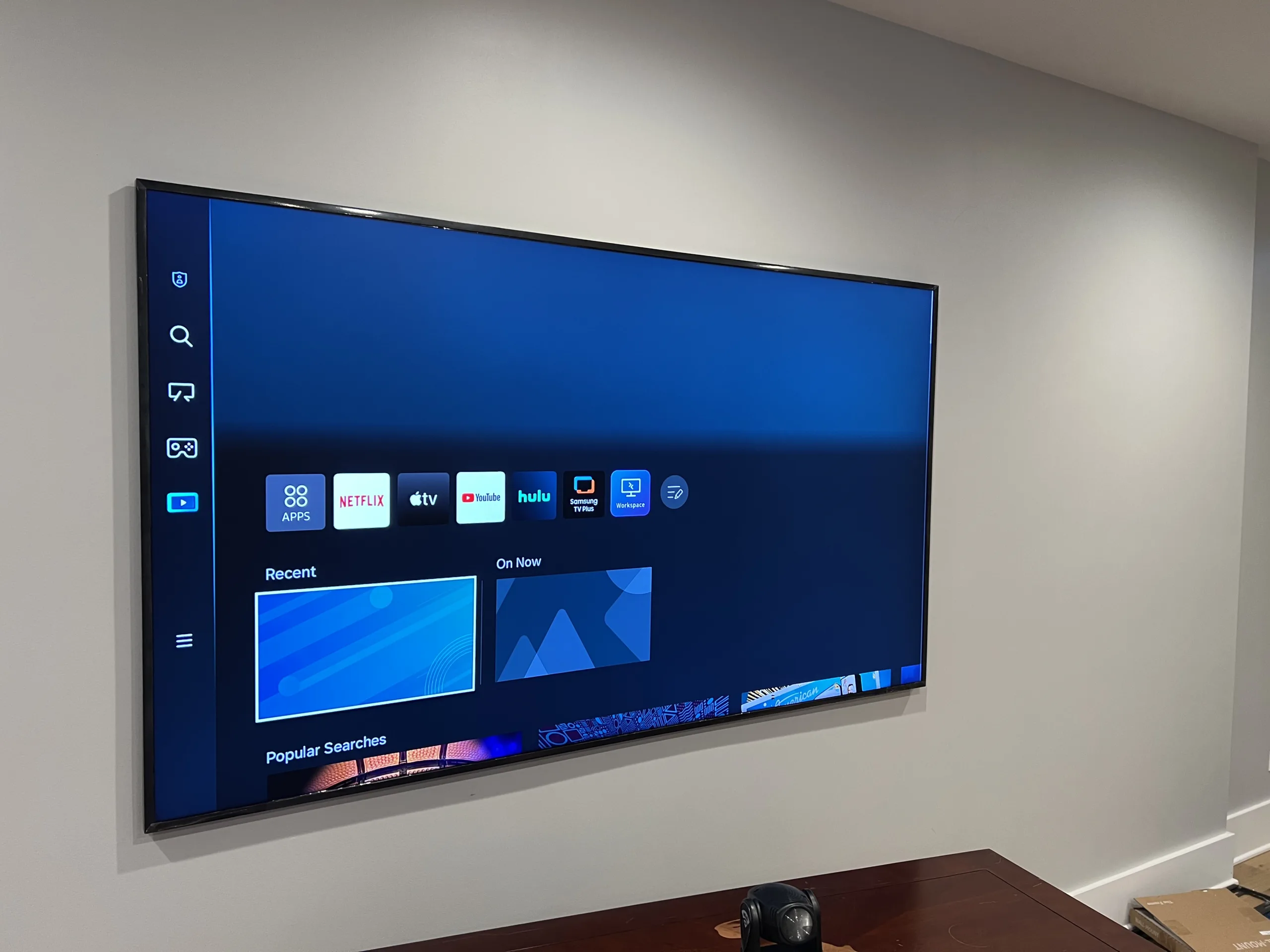
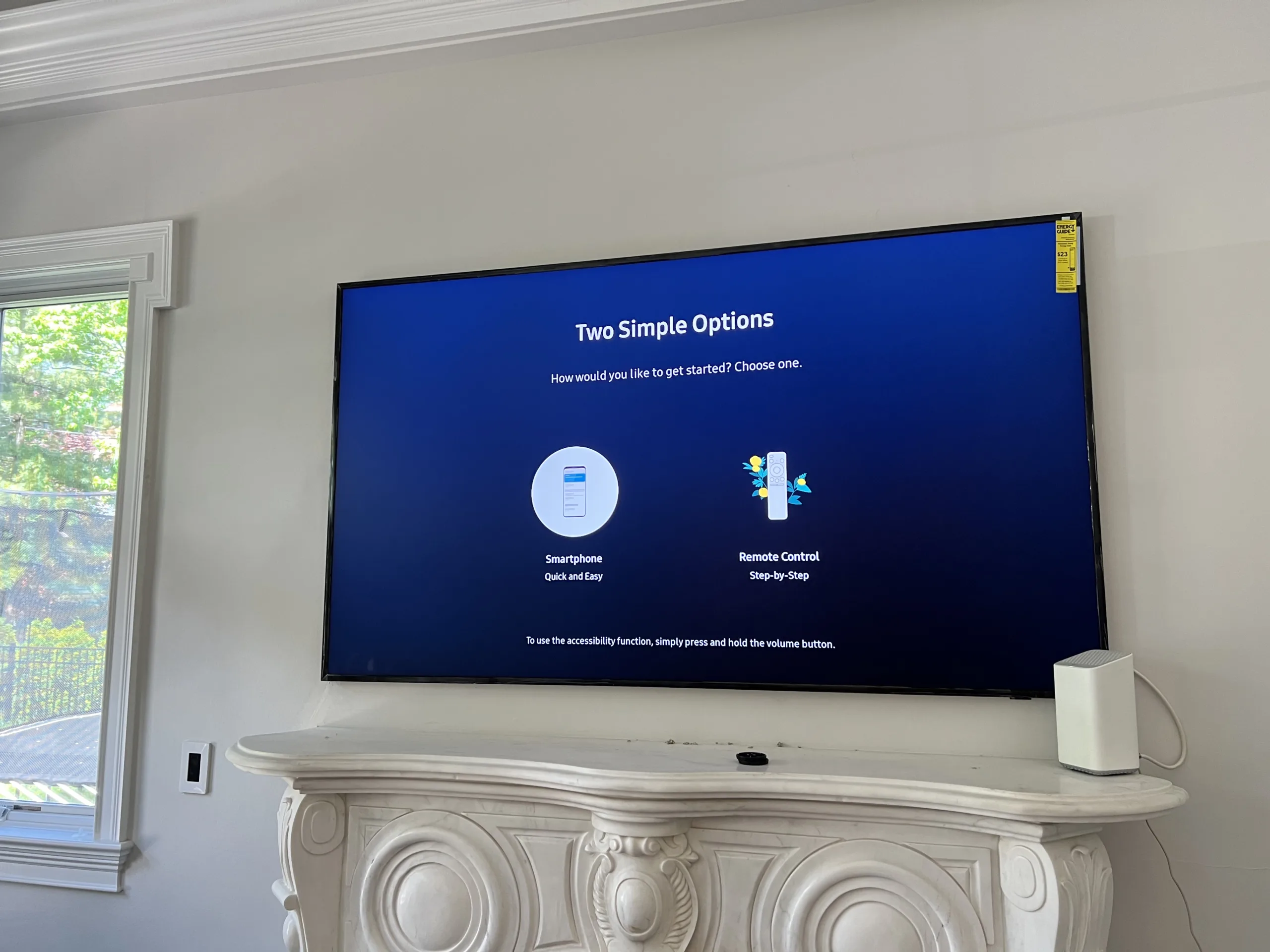
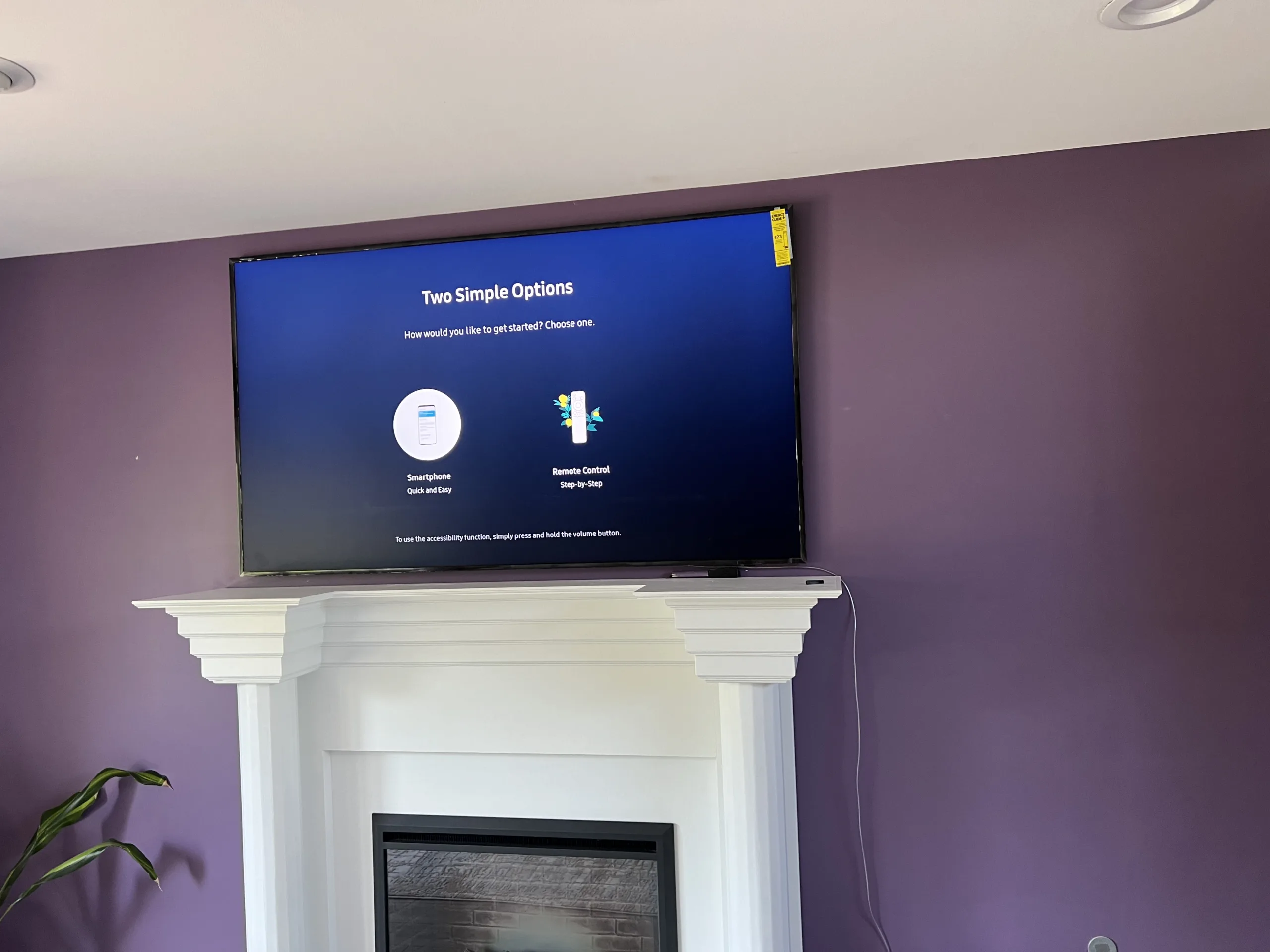
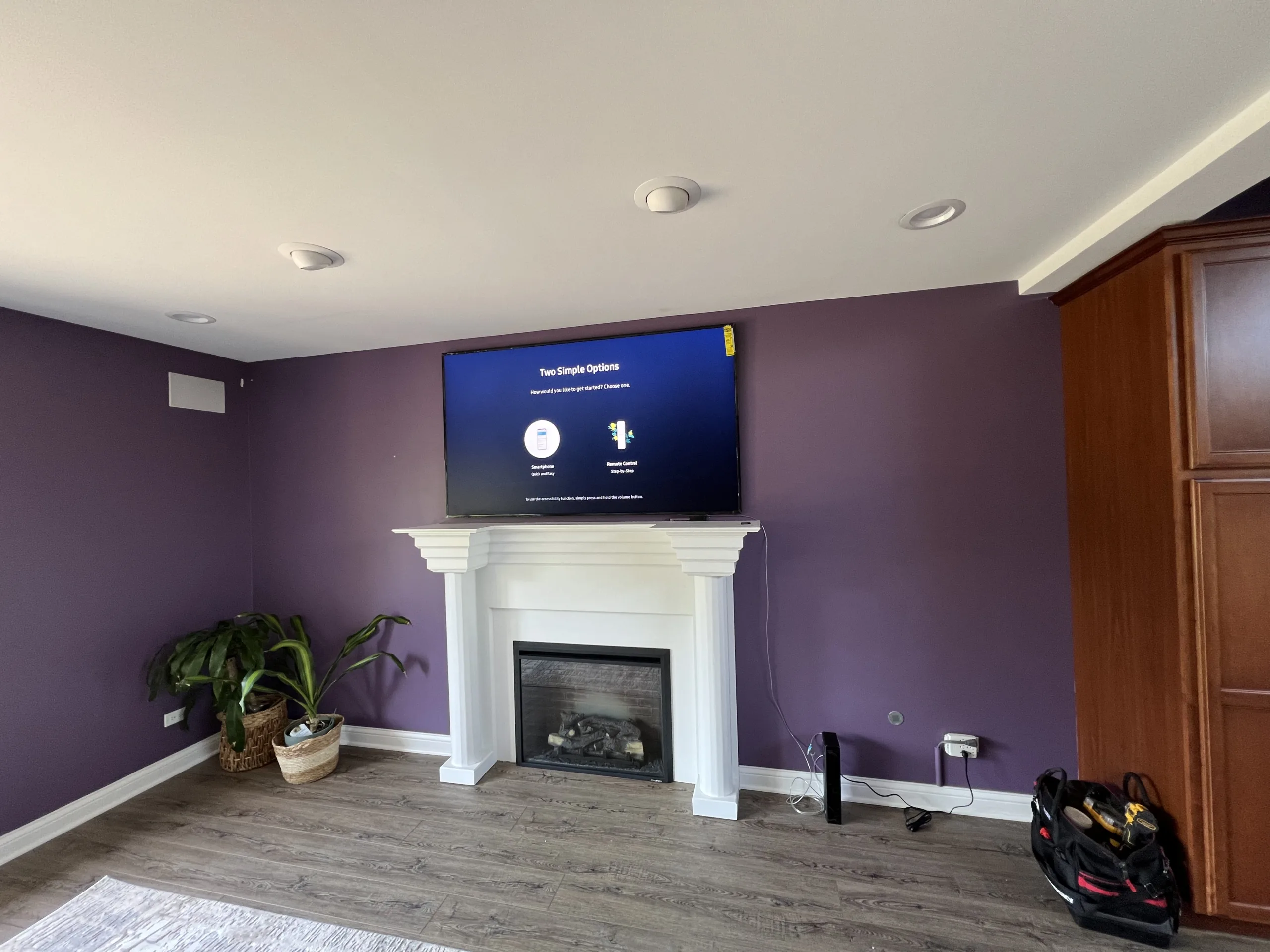
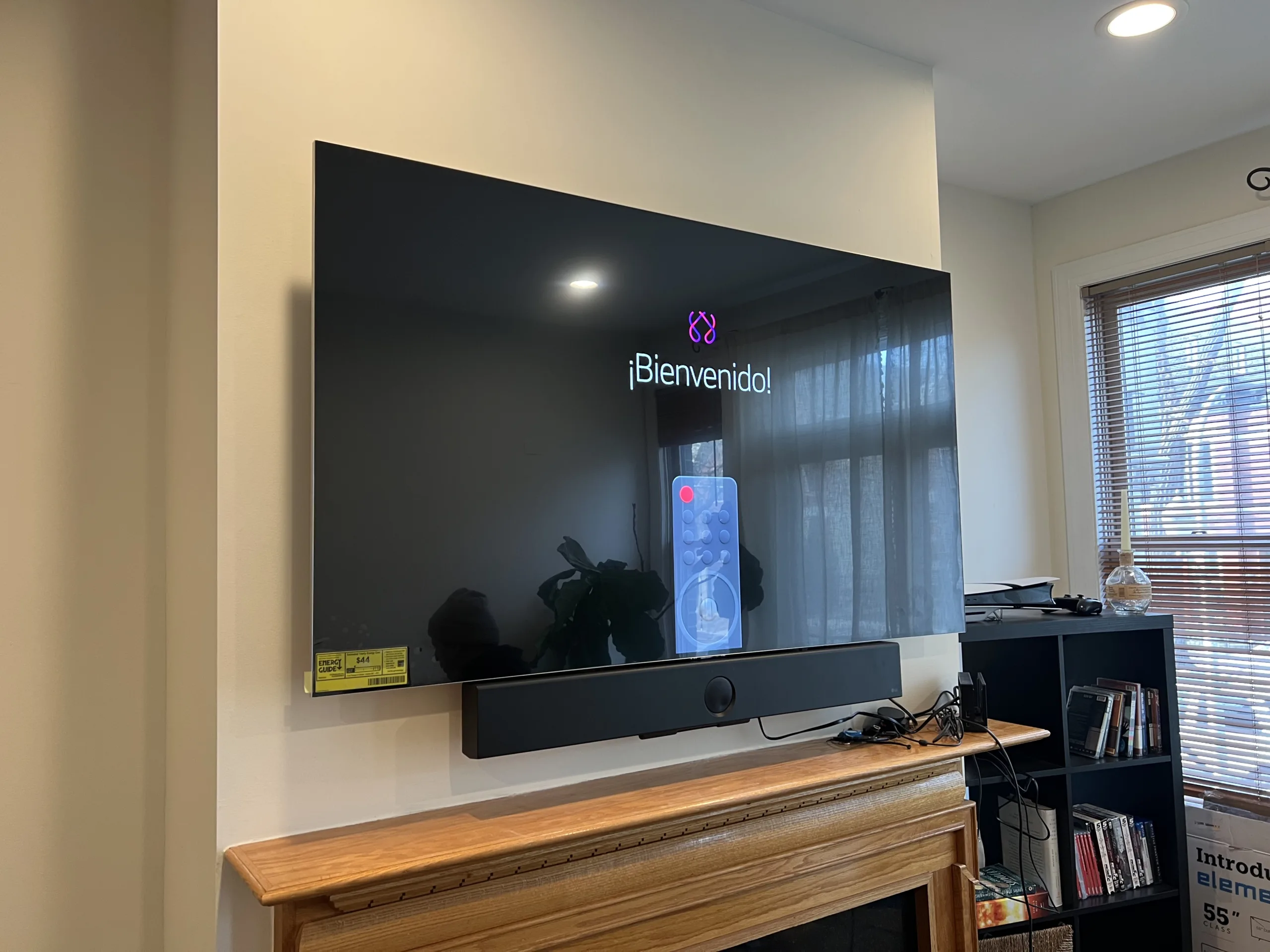
The photos below show large TVs mounted on interior walls in real rooms. These examples are useful for customers who need a living room TV, bedroom TV, apartment TV, condo TV, or finished basement TV mounted cleanly.
Fireplace TV Mounting
Mounting a TV above a fireplace or mantel needs extra layout review. The TV height, mantel depth, wall surface, viewing angle, existing outlet location, soundbar position, and cable path all affect the finished result. A TV above a fireplace should be centered, level, and positioned so it works with the mantel and the room seating.
Some fireplace walls are straightforward. Others need more review because of stone, tile, brick, old plaster, unknown framing, recessed areas, or a high mantel. Send photos before scheduling so the wall and layout can be reviewed clearly.
Soundbar Mounting and Media Setup
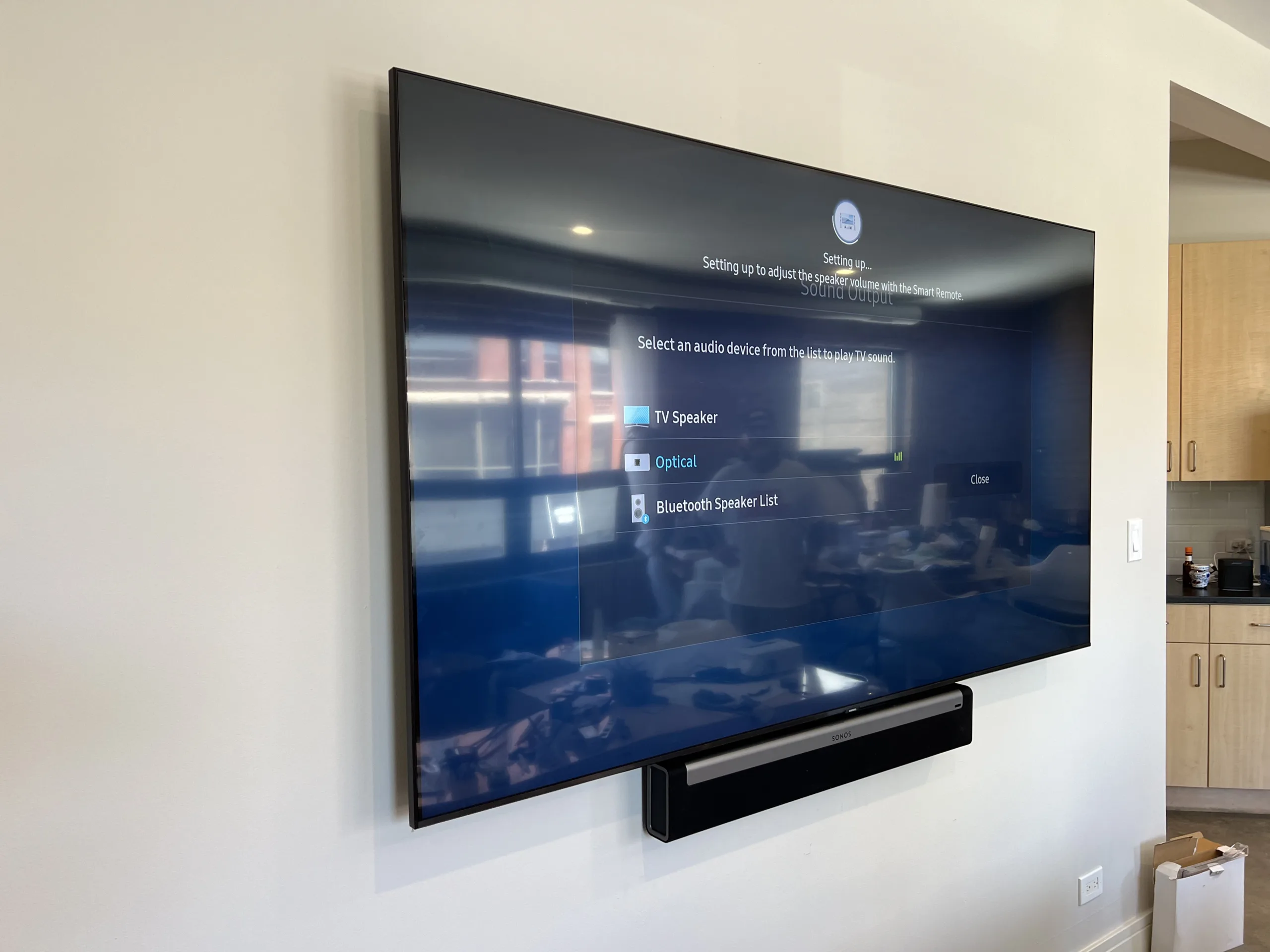
A soundbar can make a wall-mounted TV setup look more complete when it is positioned correctly under the screen. Soundbar mounting depends on the TV height, TV bracket, soundbar bracket, wall type, device connections, and whether the soundbar should move with the TV or remain fixed on the wall.
We help with soundbar mounting, TV and soundbar alignment, basic smart TV setup, device connection, and practical layout around existing outlets and cables. This is common for living rooms, fireplace walls, media rooms, finished basements, condos, apartments, and commercial spaces.
Send the wall and TV photos first
Send the TV size, mount bracket photo, wall photo, outlet location, fireplace or cabinet photo, and whether you need a soundbar mounted. This helps avoid wrong height, wrong bracket, or wrong wall placement.
TV Mounting for Apartments, Condos, and Rental Properties
Apartment and condo TV mounting often needs a clean, practical approach. The mount must fit the wall, the TV must be positioned for normal viewing, and the installation should account for outlet location, furniture height, window glare, doors, walking paths, and landlord or building restrictions when applicable.
For rental units, apartments, and condos, send photos of the full wall and note whether you are allowed to drill into the wall. If the wall is concrete, brick, plaster, metal-stud construction, or a party wall between units, mention that before scheduling.
Commercial TV Mounting for Offices and Small Businesses
EVO Home Repair also helps with commercial TV mounting for offices, small businesses, waiting areas, staff rooms, meeting rooms, rental properties, retail spaces, and commercial interiors. Wall-mounted TVs can be used for presentations, menus, waiting-room screens, training areas, customer information, or staff communication.
Commercial TV mounting may require more planning because the wall type, viewing height, outlet location, furniture, customer traffic, business hours, and device setup can affect the install. Send photos of the wall, business area, TV size, bracket, and existing outlet before scheduling.
TV Setup After Mounting
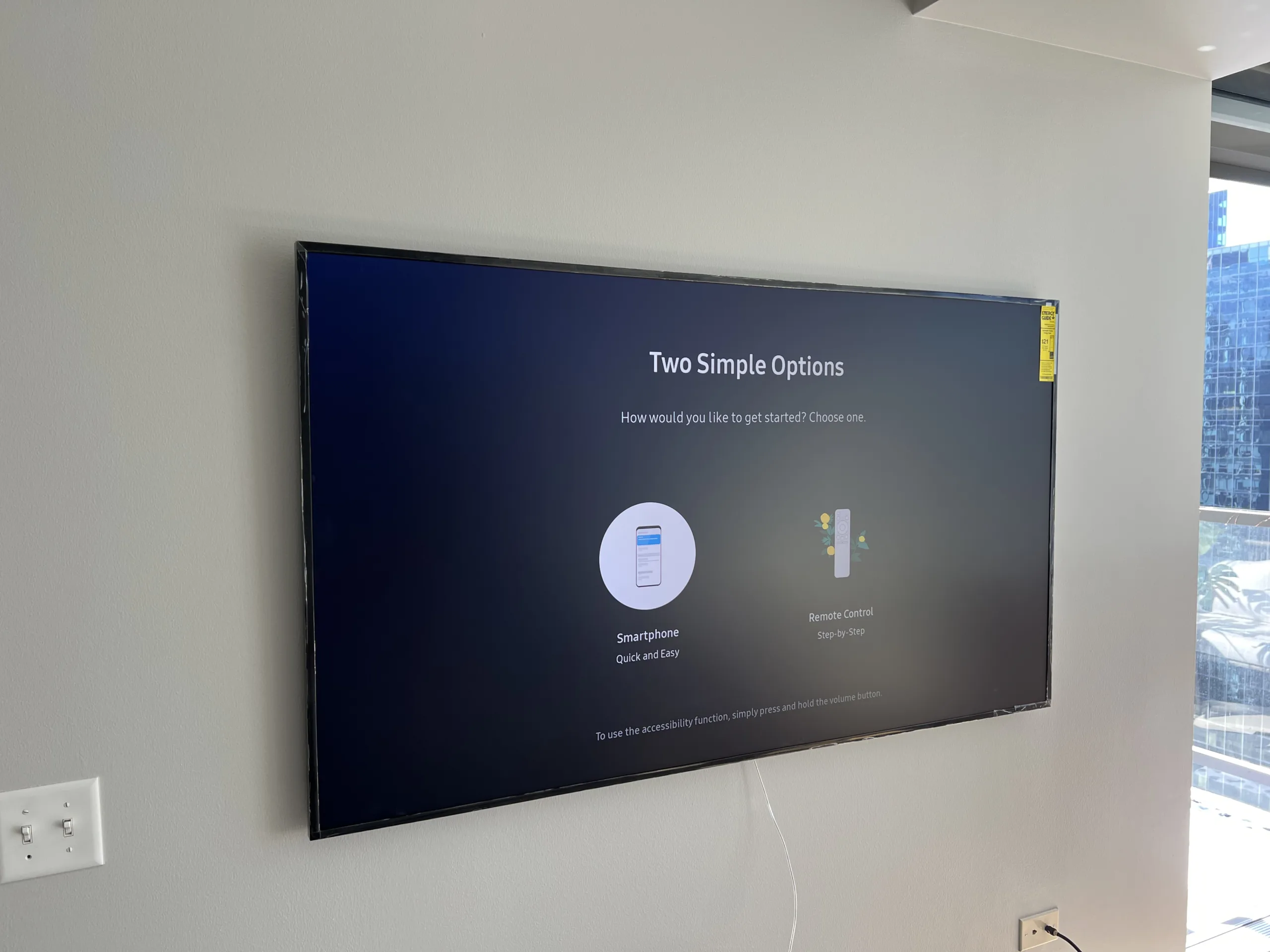
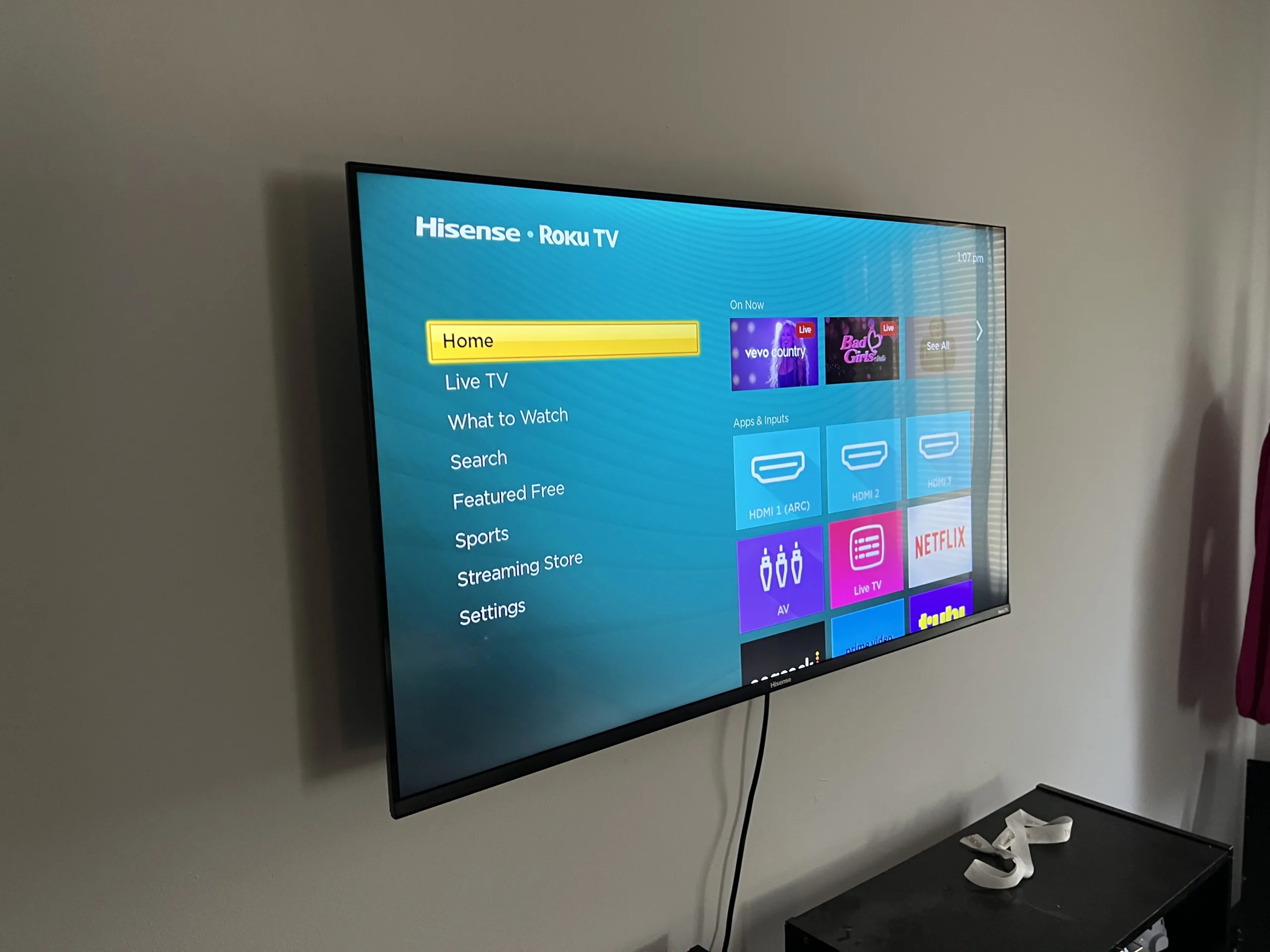
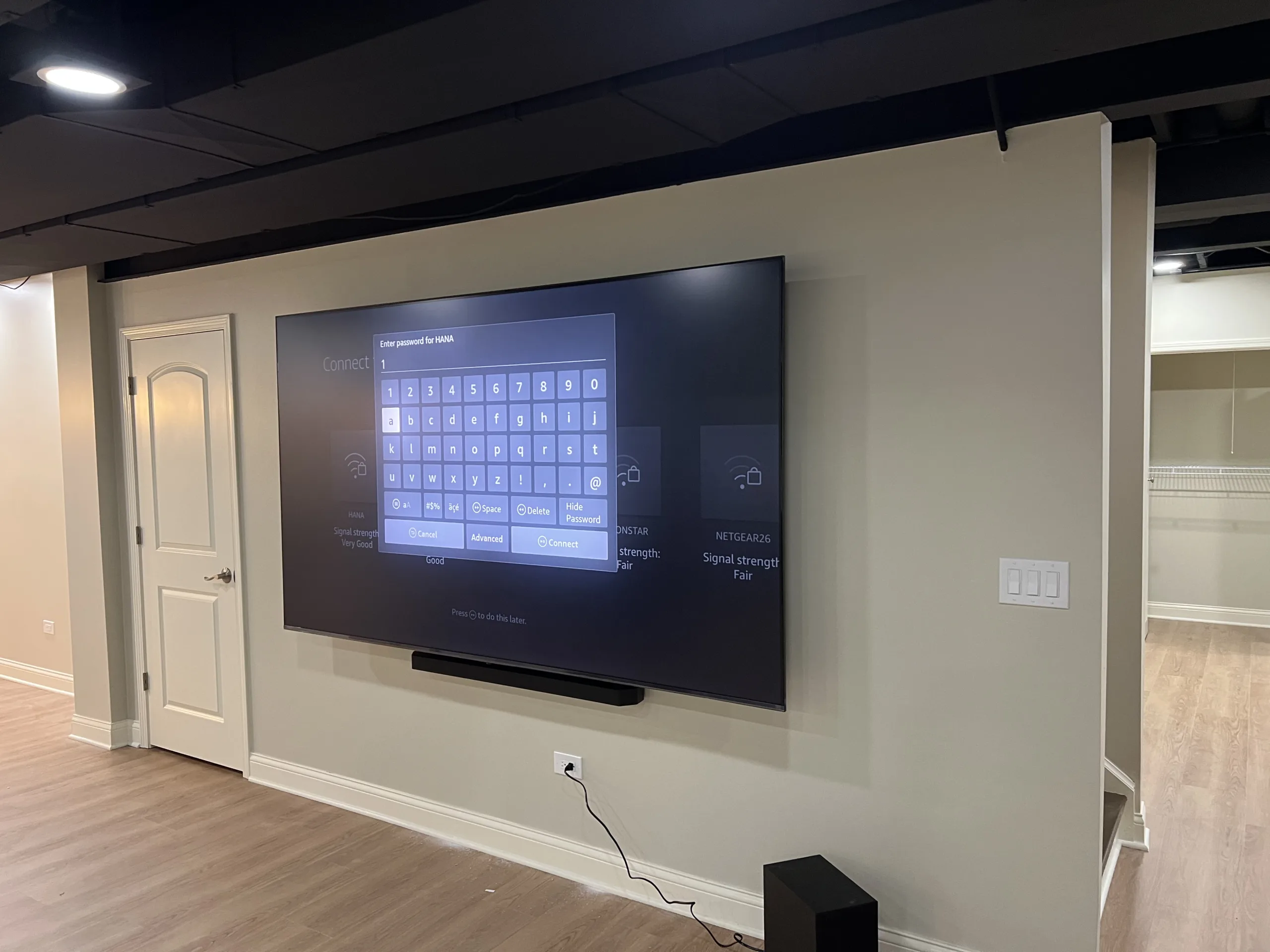
After the TV is mounted, setup may include connecting the TV to Wi-Fi, checking inputs, connecting streaming devices, pairing a remote, connecting a soundbar, adjusting display settings, checking basic sound output, and confirming that the screen is working in the installed position.
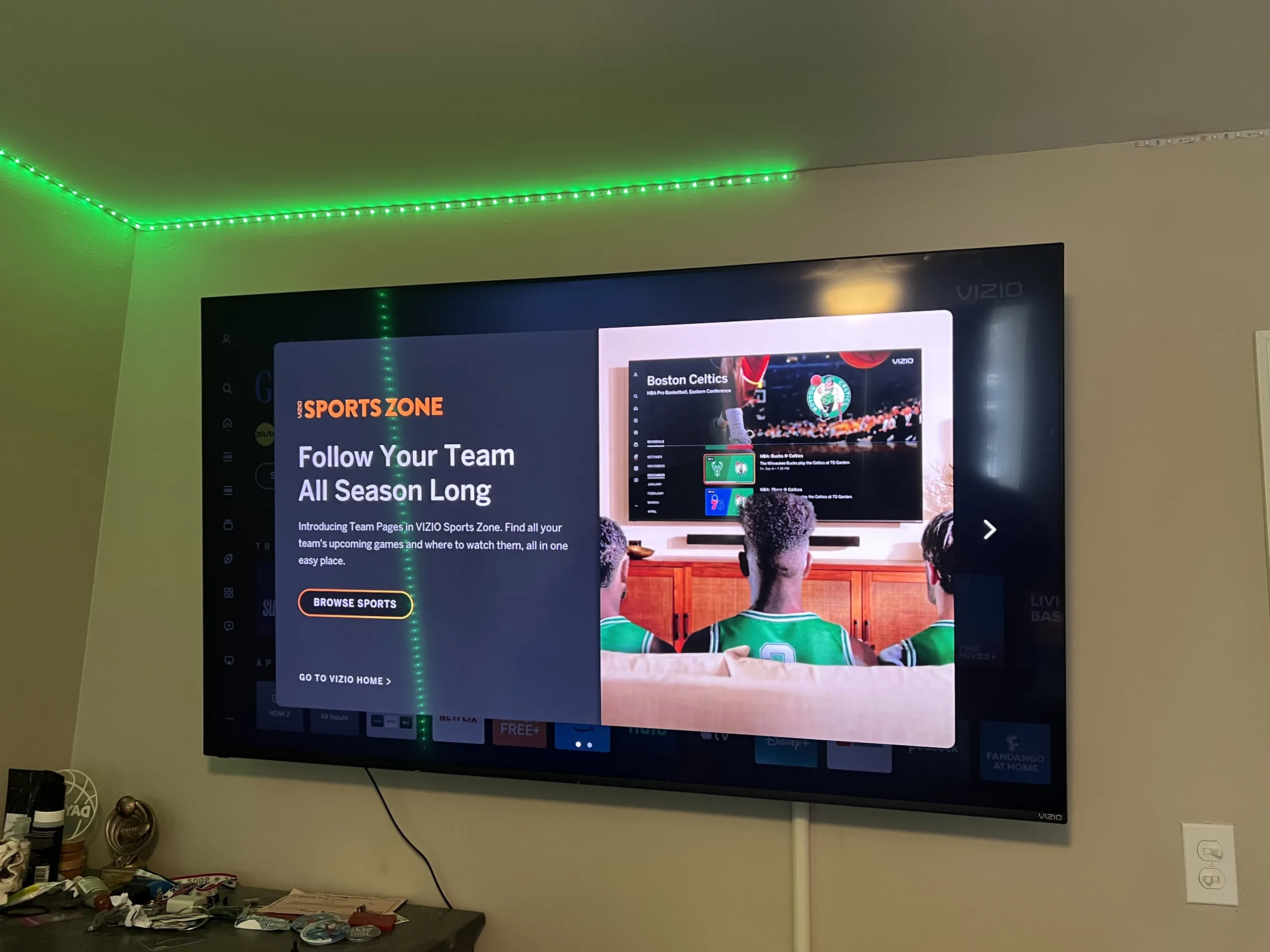
Photos on this page show real TVs at setup screens after mounting. This is a normal part of many TV mounting jobs, especially when a new smart TV, Roku TV, Samsung TV, TCL TV, Vizio TV, Hisense TV, or soundbar has just been installed.
How Our TV Mounting Service Works
1. Send Photos and TV Details
Send a wide photo of the wall, a photo of the TV box or model label, the TV size, the mount bracket if you already have one, the outlet location, and any furniture, fireplace, mantel, cabinet, or soundbar that affects placement.
2. We Review the Wall and Layout
We review the wall type, possible stud location, TV size, desired height, viewing angle, mount style, furniture below the TV, outlet location, fireplace or mantel height, soundbar location, and whether the setup looks straightforward or needs more review.
3. Bracket Placement and TV Mounting
The mount bracket is positioned, leveled, and secured to the appropriate wall structure. Then the TV is attached to the bracket, checked for level, and adjusted for placement where the mount allows it.
4. Device and Soundbar Setup
When included in the scope, the TV can be connected to existing devices, streaming apps, Wi-Fi, soundbar, remote, or basic input sources. Soundbar mounting can be handled with compatible mounting hardware and the visible layout shown in the photos.
5. Final Check
After mounting, the TV should be level, stable, centered for the room layout, and ready for normal use. We check the visible placement, screen position, bracket movement if applicable, soundbar alignment if installed, and basic setup where included.
What to Prepare Before TV Mounting
Before scheduling TV mounting, it helps to have the TV, mount bracket, TV power cable, remote, soundbar if needed, streaming device if used, and any special mounting accessories ready. If you are not sure whether your bracket fits your TV, send photos of the TV label and mount box.
- TV size and model
- Mount bracket photo or product box photo
- Wide wall photo
- Outlet location photo
- Furniture, mantel, or fireplace photo
- Soundbar photo if it needs mounting
- Photos of brick, stone, tile, plaster, or concrete wall surfaces
- Any landlord, HOA, condo, or building restrictions
When Additional Review May Be Needed
Some TV mounting projects need more review before scheduling. This can happen with brick, stone, tile, concrete, old plaster, metal studs, oversized TVs, fireplace walls, very high mounting locations, missing studs, heavy full-motion mounts, commercial walls, unclear wall structure, or requests to hide power wiring inside the wall.
Power relocation, new outlets, recessed outlet boxes, or hidden in-wall power wiring are separate from basic TV mounting and should be identified before scheduling. Send photos of the outlet, wall, TV area, and desired cable path so the scope is clear.
Chicago Service Area
EVO Home Repair serves Chicago and nearby areas within an approximately 15-mile service area. TV mounting requests commonly come from homeowners, renters, landlords, condo owners, property managers, offices, small businesses, apartment buildings, and commercial spaces across Chicago neighborhoods and nearby suburbs.
Service area examples include Avondale, Irving Park, Portage Park, Jefferson Park, Logan Square, Albany Park, Lincoln Square, Lakeview, Lincoln Park, West Town, Wicker Park, Bucktown, Ukrainian Village, Uptown, Edgewater, Rogers Park, North Center, Ravenswood, Roscoe Village, Norridge, Harwood Heights, Park Ridge, Skokie, Lincolnwood, Morton Grove, Evanston, Oak Park, Elmwood Park, River Forest, Forest Park, and nearby areas.
Related Services
- Handyman Services in Chicago
- TV Mounting Services in Chicago
- Furniture Assembly in Chicago
- Picture Hanging and Wall Mounting in Chicago
- Electrical Handyman Services in Chicago
- Light Fixture Installation in Chicago
- Drywall Repair in Chicago
- Interior Painting and Wall Repair in Chicago
- Property Maintenance Handyman Services in Chicago
- Contact EVO Home Repair
Frequently Asked Questions
Do you offer TV mounting in Chicago?
Yes. EVO Home Repair provides TV mounting in Chicago for homes, apartments, condos, rental units, offices, commercial spaces, finished basements, bedrooms, living rooms, and fireplace walls.
Can you mount a large TV?
Yes. We mount large flat-screen TVs when the wall, bracket, TV size, and placement are suitable. Send the TV size, model label, wall photo, and mount bracket photo before scheduling.
Can you mount a TV above a fireplace?
Yes. Fireplace TV mounting is available when the wall and layout are suitable. Send photos of the fireplace, mantel, wall surface, outlet location, and TV size so the height and placement can be reviewed.
Do you mount soundbars?
Yes. Soundbar mounting can be included when the soundbar, bracket, TV placement, wall type, and cable layout are suitable. Send photos of the soundbar and TV area before scheduling.
Can you hide the TV wires?
Basic cord management can be discussed using the existing outlet and room layout. Requests for hidden in-wall power wiring, recessed outlet boxes, or new outlet locations are separate from basic TV mounting and should be reviewed before scheduling.
What photos should I send for a TV mounting estimate?
Send a wide photo of the wall, the TV size or model label, the mount bracket photo, outlet location, furniture or fireplace below the TV, and any soundbar or device you want installed.
Do you mount TVs in apartments and condos?
Yes. We help with apartment and condo TV mounting. If the building has restrictions, concrete walls, plaster walls, metal studs, or landlord rules, mention that before scheduling.
Ready to schedule TV mounting?
Text photos of your wall, TV, mount bracket, fireplace, outlet location, soundbar, and room layout. EVO Home Repair serves Chicago and nearby areas.